
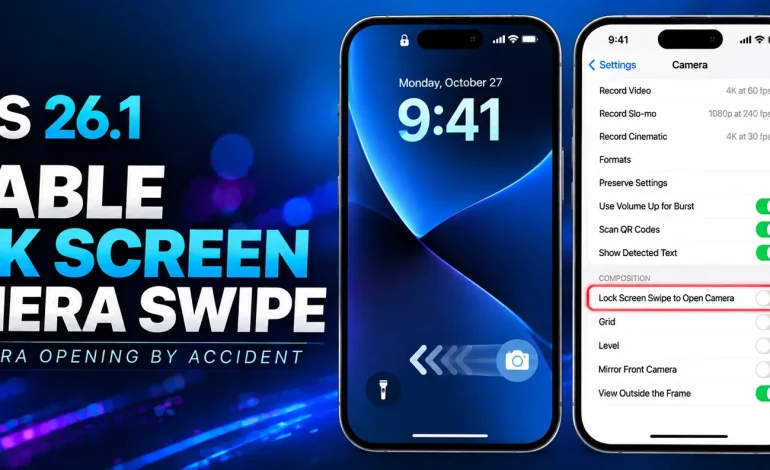
How to Turn Off Lock Screen Camera Swipe on iPhone

How to Turn Off Lock Screen Camera Swipe on iPhone

If your iPhone Camera keeps opening when you swipe left on the Lock Screen, you can turn that gesture off in Settings. To disable Lock Screen Camera swipe on iPhone, open the Camera settings and switch off Lock Screen Swipe to Open Camera. This only removes the swipe-left shortcut from the Lock Screen. It does […]

Read More

 Siri Not Responding to Hey Siri? Fix It on iPhone

Siri Not Responding to Hey Siri? Fix It on iPhone

Siri not responding to Hey Siri consistently was a problem I experienced on my iPhone. Siri would sometimes answer normally, but at other times I would make a voice request and get no spoken response. In my case, the problem stopped after I changed Siri Responses from Automatic to Prefer Spoken Responses. After the change, […]

Read More
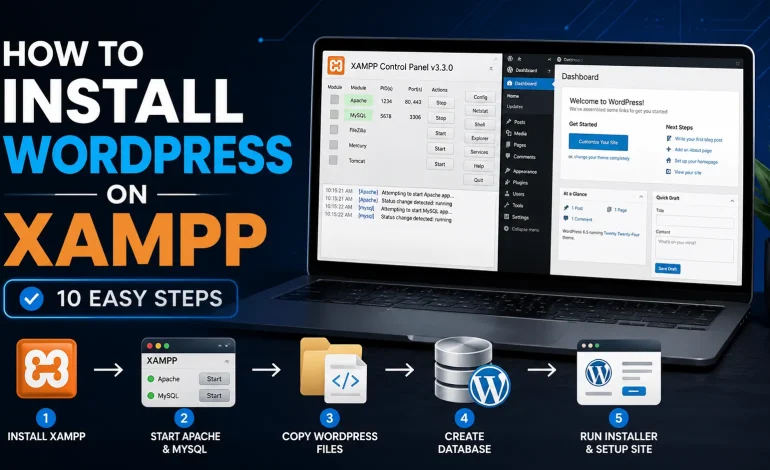
 How to Install WordPress on XAMPP in 10 Steps

How to Install WordPress on XAMPP in 10 Steps

You can install WordPress on XAMPP in Windows to create a complete local WordPress environment for development, testing, learning, or troubleshooting without using a live hosting account. XAMPP provides Apache, MySQL, PHP, and phpMyAdmin, which are the main components required to run WordPress locally. Quick Answer To install WordPress on XAMPP in Windows, follow these […]

Read More
 Windows Black Screen After Login: Restart Explorer.exe

Windows Black Screen After Login: Restart Explorer.exe

A Windows black screen after login with a visible mouse cursor often means Windows has signed in but the desktop shell or display stack has not loaded correctly. If Ctrl + Alt + Delete still works, restart Windows Explorer before moving to deeper recovery steps. This guide is specifically for the post-login scenario. It does […]

Read More
 Safari Inspect Element Not Showing: How to Fix It

Safari Inspect Element Not Showing: How to Fix It

If Safari Inspect Element not showing is the problem, first check Safari’s developer setting. Current Safari versions hide the Develop menu until web developer features are enabled. Once enabled, Safari adds the Develop menu and gives you access to Web Inspector for HTML, CSS, JavaScript, network activity, storage, and other debugging tools. Quick Answer To […]

Read More