
Install Docker on Windows: WSL 2 Setup Guide

Install Docker on Windows: WSL 2 Setup Guide

The most practical way to install Docker on Windows is to use Docker Desktop with the WSL 2 backend. This setup provides the Docker Engine, command-line tools, Docker Compose, and an interface for managing containers without requiring a separate Linux virtual machine. Before installing anything, confirm that Windows is supported, hardware virtualization is enabled, and […]

Read More
 SSD vs HDD: Which Storage Drive Should You Choose?

SSD vs HDD: Which Storage Drive Should You Choose?

The SSD vs HDD decision usually comes down to speed, capacity, noise, durability, and cost. An SSD is the better choice for Windows, applications, games, and active project files. An HDD still makes sense when you need several terabytes of storage at the lowest possible cost. For most modern computers, the practical setup is simple: […]

Read More
 BIOS vs UEFI: Key Differences and Which One to Use

BIOS vs UEFI: Key Differences and Which One to Use

The BIOS vs UEFI difference mainly affects how a computer starts, how the system disk is structured, and which modern security features are available. BIOS is the older firmware model commonly associated with Legacy boot and MBR, while UEFI is the modern standard normally used with GPT, Secure Boot, and current versions of Windows. For […]

Read More
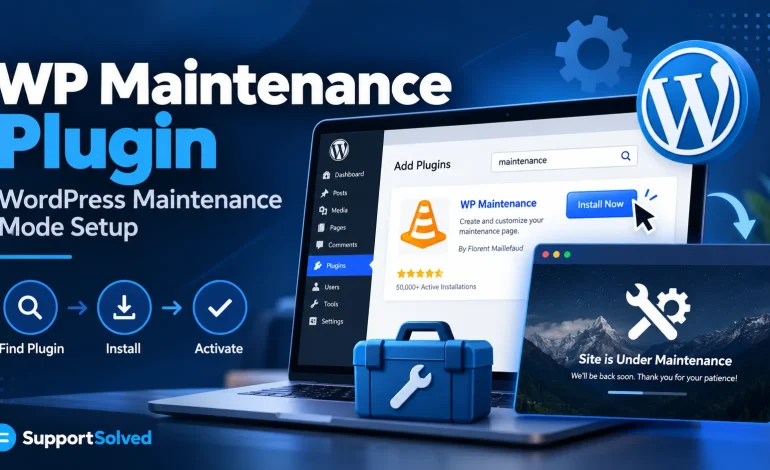
 WP Maintenance Plugin: Keep WordPress Safe During Updates

WP Maintenance Plugin: Keep WordPress Safe During Updates

A WP maintenance plugin displays a temporary notice while you update, repair, or redesign a WordPress website. Visitors see a controlled message instead of an unfinished layout, plugin error, or partially updated page. Maintenance mode is useful for short periods of planned work, but it should not replace backups, staging, or proper testing. The safest […]

Read More
 Child Theme in WordPress: Protect Changes During Updates

Child Theme in WordPress: Protect Changes During Updates

A child theme in WordPress lets you customize a theme without editing its original files. Your CSS, templates, and theme-specific functions stay in a separate folder, so a parent-theme update does not overwrite them. Use a child theme when you need to change template files, theme markup, or theme-specific PHP. For a few colors, fonts, […]

Read More